
No Code Portfolio Website Builder: Build a Portfolio Without Writing Code
Key Takeaways
- A no code portfolio website builder helps you publish a professional site without touching HTML, CSS, or JavaScript
- The best no-code tools still need good content, structure, and visual restraint
- No-code works especially well for creatives, freelancers, consultants, and job seekers who want control without development overhead
- The right builder should support SEO, mobile responsiveness, and easy content editing
- Going no-code does not mean settling for generic results if your messaging and project selection are strong
You do not need to write code to build a good portfolio website anymore.
For many people, code is not the hard part anyway. The hard part is deciding what to show, how to structure it, and how to publish something that looks credible. A no code portfolio website builder helps reduce the technical friction so you can focus on the content that actually matters.
If you want a broader comparison of platforms, see Best Portfolio Website Builder in 2026: 7 Tools Compared. If you want an AI-assisted workflow instead of a drag-and-drop one, read AI Portfolio Website Builder: Best Tools, Features, and Use Cases.
What Is a No Code Portfolio Website Builder?
A no code portfolio website builder is a platform that lets you create and edit a site visually instead of manually coding it.
Typical features include:
- Drag-and-drop layout editing
- Template selection
- Section-based page building
- Media uploads
- Form blocks
- Basic SEO settings
- Responsive design controls
It is the right choice when you want direct control over the site but do not want to build and maintain it from scratch.
Who Should Use One?
No-code portfolio builders are especially useful for:
- Designers
- Writers
- Marketers
- Freelancers
- Consultants
- Students
- Professionals who want a simple portfolio online quickly
If your main goal is to publish, update, and share work without technical setup, no-code is a strong option.
What to Look For in a No Code Portfolio Website Builder
Clean Templates
Start with a layout that gives your content room to breathe. Avoid anything overloaded with effects or decorative clutter.
Strong Project Presentation
The builder should make it easy to show images, write context, and organize case studies.
SEO Controls
At minimum, you need editable page titles, meta descriptions, headings, and clean URLs.
Mobile Responsiveness
Check how the site behaves on smaller screens before publishing.
Easy Updates
You should be able to add a new project or revise copy in minutes.
No-Code vs AI vs Custom-Coded Portfolio Sites
No-Code
Best when you want visual control and simple editing without development work.
AI-Assisted
Best when you want help with writing, structure, and generating a strong first draft from existing source material.
Custom-Coded
Best when you need full flexibility, custom performance work, or highly specialized interactions.
Most people do not need a fully custom-coded portfolio to get strong results. They need a clear message, good proof, and a site that is easy to publish.
Step-by-Step: Build a Portfolio Without Writing Code
1. Define the Audience
Are you trying to get interviews, attract clients, or build authority?
2. Choose 3 to 5 Strong Projects
Do not start with every project you have. Start with the ones that best represent the work you want next.
3. Pick a Simple Structure
Most portfolios need:
- Home
- About
- Work
- Contact
4. Write Better Project Context
For each project, explain the challenge, your role, and the result.
5. Check Mobile, Speed, and SEO
No-code does not automatically mean optimized. Review the basics before publishing.
Common Mistakes With No-Code Portfolios
Overdesigning the Site
A no-code tool makes it easy to add too much. Resist that temptation.
Choosing Style Over Clarity
The work should stay central. If the site is visually busy, it becomes harder to trust.
Ignoring Search and Discovery
A no code portfolio website builder should still support proper titles, descriptions, and page structure.
Forgetting the Story
Even a beautiful portfolio can fail if the project descriptions are weak.
Frequently Asked Questions
Can I build a professional portfolio without coding?
Yes. Many strong portfolios are built without code. What matters most is the clarity of the work, structure, and messaging.
Is a no code portfolio website builder good for SEO?
It can be, if the platform allows proper metadata, headings, clean URLs, and mobile-friendly output.
Should I choose no-code or AI for my portfolio?
Choose no-code if you want direct layout control. Choose AI if your bigger problem is organizing and writing the content itself.
A no code portfolio website builder is the right choice when you want to publish professional work without development overhead. Used well, it gives you speed, control, and enough flexibility to build a site that feels polished rather than improvised.
Ready to build your portfolio?
Create a professional portfolio website in minutes with AI. No coding required.
Try Portfolio Studio FreeRelated Articles
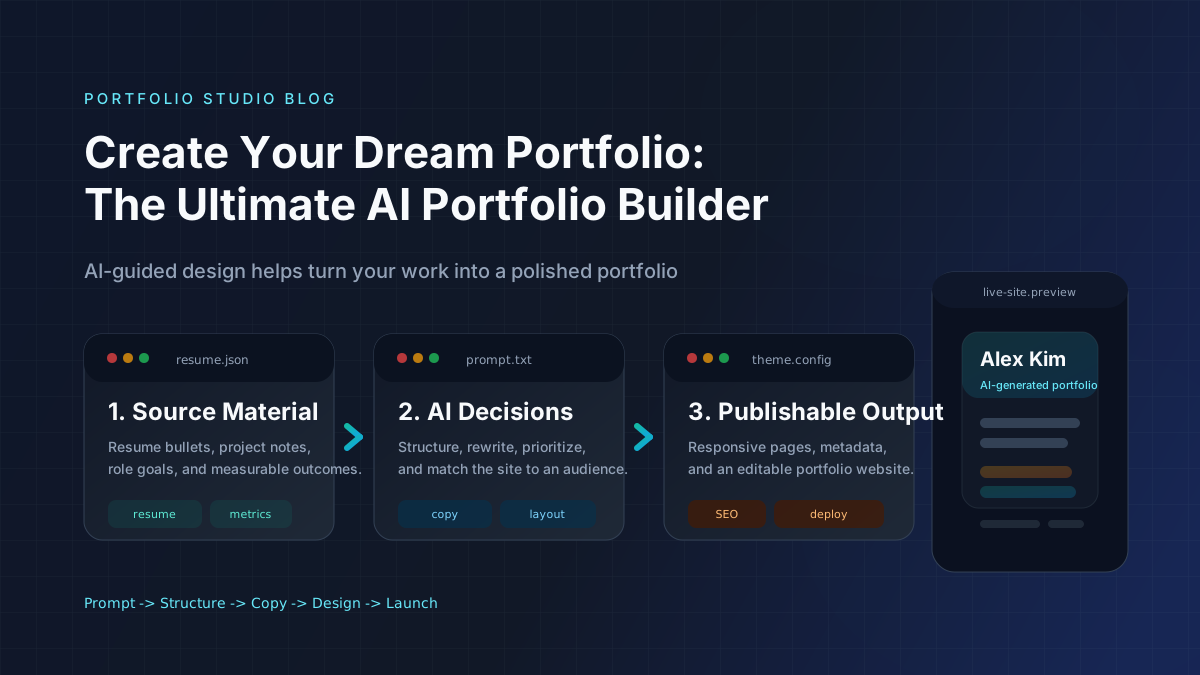
Create Your Dream Portfolio: The Ultimate AI Portfolio Builder
Build a portfolio website, resume website, or personal website with an AI portfolio builder. Learn features, steps, mistakes, and tools.
AI Portfolio Website Builder: Best Tools, Features, and Use Cases
Learn how an AI portfolio website builder works, which features matter most, and when an AI portfolio generator is better than templates or manual setup.
Best Portfolio Website Builder in 2026: 7 Tools Compared
Compare the best portfolio website builder tools in 2026. Find the right portfolio builder for design, SEO, speed, and ease of use.