
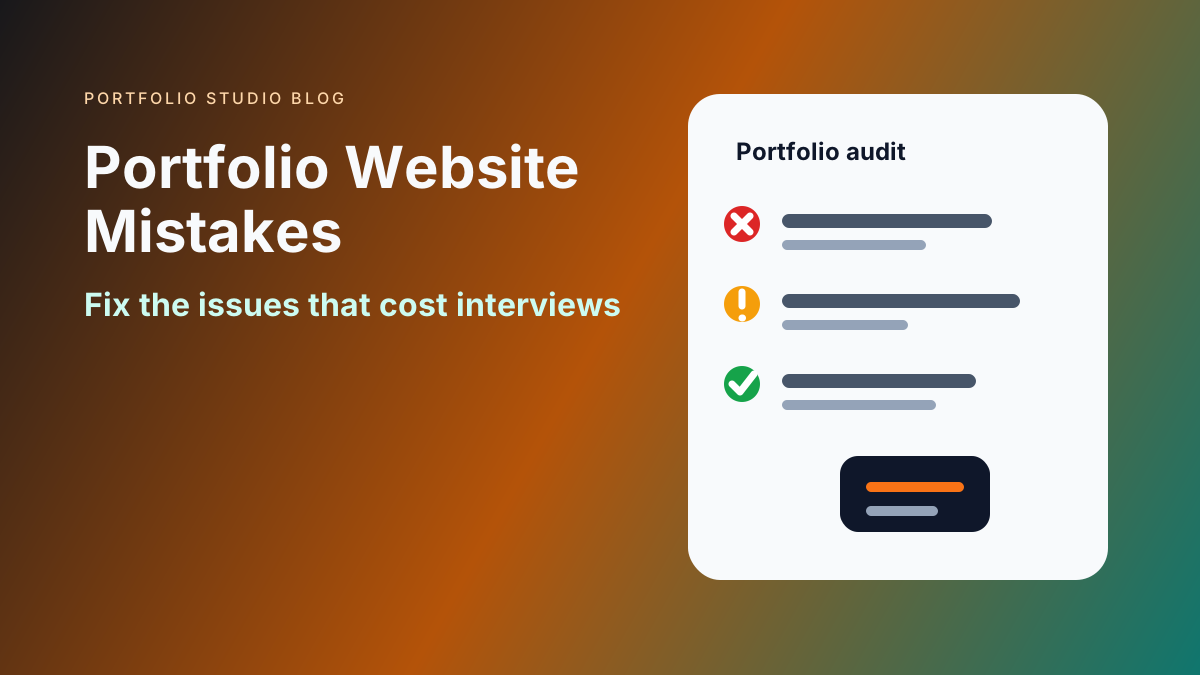
Portfolio Website Mistakes That Cost You Interviews
Key Takeaways
- The biggest portfolio website mistakes usually come from unclear positioning, weak proof, and poor scanning experience
- Hiring managers and clients should understand your value within seconds
- Too many projects can hurt if they are unfocused, outdated, or unexplained
- Mobile layout, page speed, broken links, and contact friction directly affect trust
- A strong portfolio is selective, current, and built around the opportunity you want next
Most portfolio websites do not fail because the owner lacks talent.
They fail because the site makes the visitor work too hard. A recruiter cannot quickly tell what role you want. A client cannot see relevant proof. A hiring manager sees screenshots but no outcomes. A contact link is buried. A mobile layout breaks.
These issues are fixable. If you are building from scratch, start with Build an Impressive Portfolio Website. If you need help choosing sections, read What Sections to Include in Your Portfolio Website.
Mistake 1: A Vague Homepage
Your homepage should answer three questions quickly:
- Who are you?
- What do you do?
- Why should this visitor care?
Vague intros like “creative problem solver” or “passionate builder” do not help. Use concrete positioning.
Better examples:
- “Frontend developer building fast product dashboards for SaaS teams.”
- “UX researcher focused on onboarding, retention, and enterprise workflows.”
- “Freelance brand designer for early-stage B2B companies.”
Specific language helps the right reader keep going.
Mistake 2: Showing Every Project
Your portfolio is not an archive. It is a curated argument for the kind of work you want next.
Remove projects that are:
- Outdated
- Weakly explained
- Visually poor
- Unrelated to your target role
- Too similar to stronger examples
- Missing your role or impact
Three strong case studies beat fifteen unexplained thumbnails.
Mistake 3: No Project Context
A project card with only a title and image is not enough.
Every project should explain:
- The goal
- Your role
- The problem
- The process or decisions
- The outcome
If you cannot share results, explain the deliverable and what changed after the work.
Mistake 4: Overdesigning the Site
Animation, unusual navigation, and heavy visuals can make a portfolio feel impressive for a few seconds. They can also hide the work.
Use design to improve clarity:
- Clear hierarchy
- Readable type
- Strong spacing
- Predictable navigation
- Fast-loading pages
- Mobile-friendly layouts
The portfolio is not the product. Your work is the product.
Mistake 5: Ignoring Mobile
Recruiters and clients often open links from phones. If your portfolio is unreadable on mobile, you lose trust quickly.
Check:
- Hero text fits
- Buttons are tappable
- Project cards do not collapse awkwardly
- Images do not crop important details
- Contact links work
- Navigation is simple
Mobile issues are especially damaging because they signal lack of polish.
Mistake 6: Weak Calls to Action
Many portfolios end with no clear next step.
Use a call to action that matches your goal:
- “Email me about freelance projects”
- “Download my resume”
- “View my product case studies”
- “Book a consultation”
- “Connect on LinkedIn”
Do not make interested visitors hunt for the action.
Mistake 7: Missing Resume or LinkedIn Links
A portfolio should not replace every other professional asset.
Include links to:
- Resume
- GitHub, Behance, Dribbble, Medium, or relevant platforms
- Email or contact form
For the relationship between channels, read Portfolio Website vs LinkedIn.
Mistake 8: No Proof of Results
Proof can take many forms:
- Metrics
- Testimonials
- Screenshots
- Case studies
- Before-and-after examples
- Published links
- Client names when allowed
- Awards or recognition
Without proof, your portfolio becomes a claim instead of evidence.
Mistake 9: Letting It Go Stale
An outdated portfolio can hurt more than no portfolio if it suggests you have not grown.
Review it every quarter. Update:
- Current role
- Best projects
- Resume
- Contact details
- Links
- Screenshots
- Positioning
Mistake 10: Writing for Everyone
A portfolio that tries to appeal to every possible audience becomes generic.
Choose a primary reader:
- Recruiter
- Hiring manager
- Client
- Creative director
- Founder
- Admissions reviewer
Then organize the site around what that reader needs to believe.
Frequently Asked Questions
What is the biggest portfolio website mistake?
The biggest mistake is unclear positioning. If visitors cannot tell what you do and why your work matters, the rest of the site has to work too hard.
How many projects should I include?
Most portfolios should show three to six strong projects. Add more only if each one adds a distinct signal.
How often should I update my portfolio?
Review it at least every quarter and update it whenever you complete a stronger project or change your target role.
A portfolio website should make trust easier. Remove anything that slows understanding, weakens proof, or hides the next step. The result will feel simpler, sharper, and more useful to the people you want to reach.
Ready to build your portfolio?
Create a professional portfolio website in minutes with AI. No coding required.
Try Portfolio Studio FreeRelated Articles
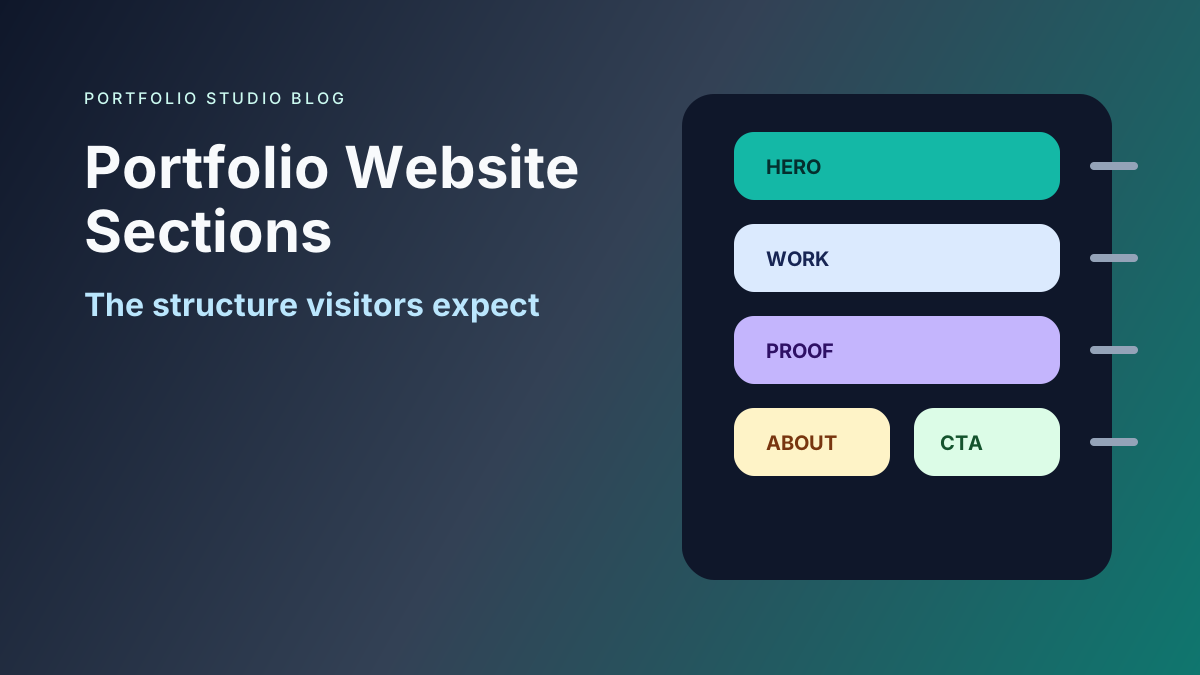
What Sections to Include in Your Portfolio Website
Learn which portfolio website sections matter most, how to order them, and what to include for job seekers, freelancers, students, and professionals.
Portfolio Website vs LinkedIn: Which Gets You More Interviews?
Compare portfolio websites and LinkedIn profiles for job search, recruiter trust, proof of work, personal branding, and interview conversion.
Portfolio Website for Job Seekers: What to Include to Get Interviews
Learn what a portfolio website for job seekers should include, from projects and proof to recruiter-friendly structure, messaging, and SEO.