
What Sections to Include in Your Portfolio Website
Key Takeaways
- The best portfolio website sections depend on whether you want interviews, clients, authority, or internships
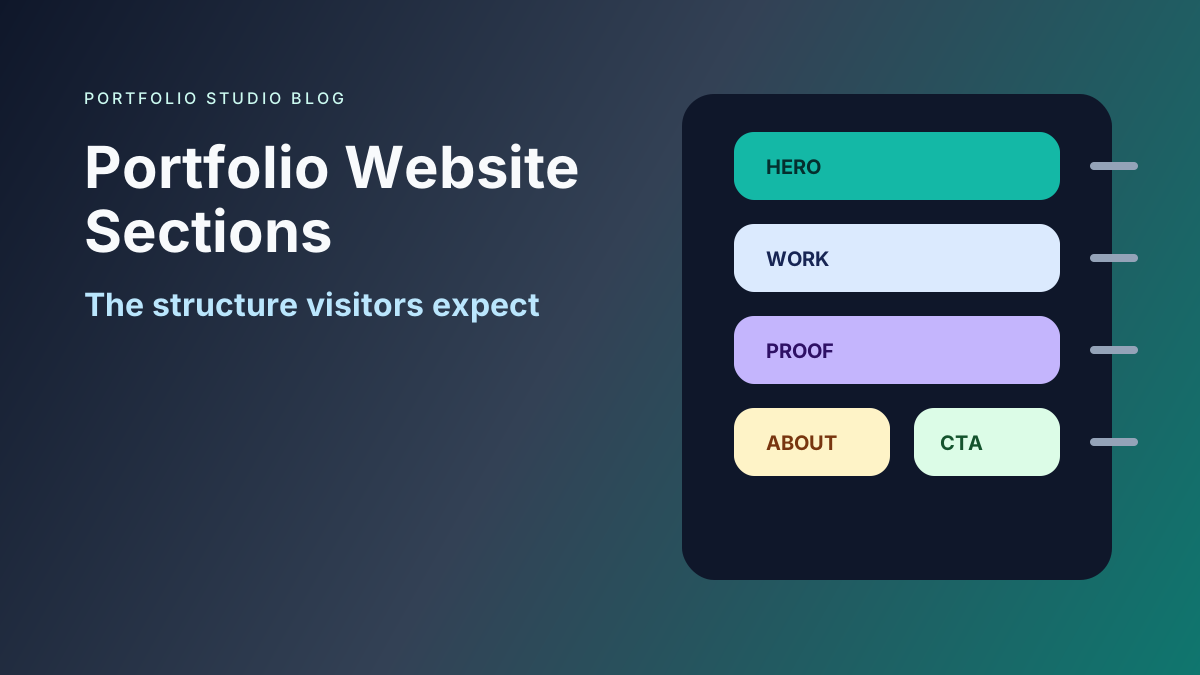
- Most portfolios need a homepage, work or projects, about, resume or experience, and contact
- Case studies should explain context, role, process, and outcome
- Freelancers should add services and testimonials; job seekers should add resume and recruiter-friendly proof
- Keep the structure simple enough that visitors can scan it quickly
A portfolio website is easier to build when you know what sections belong on the page.
The mistake is starting with design before structure. Good structure decides what the site needs to communicate. Design then makes that communication clear.
If you are still planning the full site, read Build an Impressive Portfolio Website. If you want the fastest build path, compare tools in Best Portfolio Website Builder in 2026.
The Core Portfolio Website Sections
Most portfolios need these sections:
- Homepage
- Work or projects
- Case studies
- About
- Resume or experience
- Skills
- Testimonials or proof
- Contact
You may not need all of them as separate pages. A simple one-page portfolio can still include the same information.
Homepage
The homepage should explain who you are and why the visitor should keep reading.
Include:
- Name
- Role or target role
- Short positioning statement
- Primary call to action
- Preview of selected work
Avoid opening with vague personality copy. Lead with clarity.
Work or Projects
This is the center of most portfolios.
Each project preview should include:
- Project title
- Short description
- Your role
- Relevant tags or skills
- Visual or link when useful
Do not show every project. Show the work that supports your next opportunity.
Case Studies
Case studies are deeper project pages or sections. They are especially important for designers, developers, product managers, data scientists, researchers, marketers, and consultants.
Use this structure:
- Problem
- Context
- Your role
- Process
- Decisions
- Outcome
- Reflection
For job seekers, case studies help hiring teams understand how you think. For freelancers, they help clients understand what it is like to work with you.
About
The about section should support trust, not become an autobiography.
Include:
- Professional background
- What you are focused on now
- Relevant values or working style
- A little personality if it fits the audience
Keep it shorter than you think. If someone wants full career detail, they can read your resume.
Resume or Experience
A portfolio and resume work together.
Include one of these:
- Downloadable PDF resume
- Experience timeline
- Short work history
- Link to a resume website
For a resume-first strategy, read Resume Website: How to Turn Your Resume Into a Website.
Skills
Skills should be organized, not dumped.
Group them by category:
- Languages and frameworks
- Research methods
- Design tools
- Marketing channels
- Product skills
- Industry experience
Only include skills you can defend in an interview or client conversation.
Testimonials and Social Proof
Proof helps visitors trust your claims.
Good proof includes:
- Client testimonials
- Manager feedback
- Recommendations
- Awards
- Press
- Certifications
- Logos
- Public links
Use proof near the claim it supports. If you say you help clients increase conversions, place the testimonial near the service or case study.
Contact
Contact should be easy.
Include:
- Contact form
- Booking link when relevant
- Location or availability if useful
Your call to action should match your goal. Job seekers might use “Download resume” or “Contact me.” Freelancers might use “Start a project inquiry.”
Optional Sections
Add optional sections only when they support the goal:
- Services
- Pricing
- Writing
- Speaking
- Publications
- Media kit
- FAQ
- Newsletter
- Availability
- Tools or templates
More sections do not make the portfolio stronger unless they answer real visitor questions.
Recommended Structures
Job Seeker
Homepage, selected projects, experience, resume, skills, contact.
Freelancer
Homepage, services, case studies, testimonials, about, contact.
Student
Homepage, class projects, skills, resume, education, contact.
Senior Professional
Homepage, authority statement, signature work, proof, writing or talks, contact.
Frequently Asked Questions
What are the most important portfolio website sections?
The most important sections are homepage, projects, about, resume or experience, proof, and contact.
Should my portfolio be one page or multiple pages?
Use one page if your work is simple to scan. Use multiple pages if you need detailed case studies or separate services.
Do I need an about page?
Yes, but it can be short. Use it to add credibility, context, and personality without distracting from the work.
Portfolio website sections should reduce friction. Choose the sections that help your audience understand your value, trust your proof, and take the next step.
Ready to build your portfolio?
Create a professional portfolio website in minutes with AI. No coding required.
Try Portfolio Studio FreeRelated Articles
How to Make a Portfolio Website: The Complete 2026 Guide
Learn how to make a portfolio website step by step: plan it, choose a builder, write strong project pages, optimize for SEO, and publish — the complete guide.
Custom Domain for Portfolio Websites: When It Matters
Learn when a custom domain matters for a portfolio website, how it affects trust and personal branding, and when a free subdomain is enough.
Free Portfolio Website Builder: What to Look For in 2026
Learn how to choose a free portfolio website builder, what limits to watch for, and when to upgrade from a free portfolio site.