
Free Portfolio Website Builder: What to Look For in 2026
Key Takeaways
- A free portfolio website builder is useful if it lets you publish a professional site without hidden export or hosting limits
- The best free option should include responsive design, clean URLs, basic SEO, and easy editing
- Watch for limits around custom domains, analytics, storage, templates, branding, and export
- Free is enough for many students, early job seekers, and simple portfolio launches
- Upgrade only when the paid features directly support your goals
A free portfolio website builder can be enough to get your work online.
The challenge is knowing which “free” tools are actually useful. Some free plans let you build but not publish. Some publish with heavy branding. Some hide SEO controls, analytics, or custom domains behind paid tiers.
That does not mean free tools are bad. It means you should evaluate them based on the outcome you need.
For a broader platform comparison, read Best Portfolio Website Builder in 2026. If you are building without code, see No Code Portfolio Website Builder.
What a Free Portfolio Builder Should Include
At minimum, a free portfolio builder should let you:
- Create a professional homepage
- Add projects or work samples
- Publish to a live URL
- Edit text and images easily
- Use mobile-friendly layouts
- Add contact information
- Control basic SEO fields
If the tool cannot publish your site or makes the final result look unprofessional, the free plan may not be useful.
Who Should Use a Free Portfolio Builder?
A free builder is a good fit for:
- Students
- Internship applicants
- Early-career job seekers
- Career changers
- People testing a first portfolio
- Creatives who need a simple public page
- Professionals who only need a lightweight site
If your portfolio supports a paid client acquisition process, a custom domain and stronger analytics may be worth paying for later.
Free Plan Limits to Check
Before building, check the limits.
Publishing
Can you publish the site for free? If not, the tool is more of a demo than a builder.
Branding
Some free plans add platform branding. That may be acceptable for students, but less ideal for freelancers or consultants.
Custom Domain
Many free plans use a platform subdomain. That is fine to start. A custom domain is useful when you want stronger personal branding.
SEO
Look for editable titles, descriptions, headings, and clean URLs. A portfolio still needs to be understandable to search engines.
Storage and Media
Visual portfolios may need more image or video storage. Check file limits before uploading everything.
Export
Some builders lock your content inside the platform. Decide whether that matters for your long-term plan.
What Free Builders Are Good At
Free builders are strongest when your goal is speed.
They help you:
- Stop delaying the launch
- Create a shareable URL
- Test your positioning
- Add projects gradually
- Put a link on your resume or LinkedIn
For job seekers, the first published version matters more than perfect customization.
When to Upgrade
Upgrade only when the paid feature solves a real problem.
Good reasons to upgrade:
- You need a custom domain
- You want analytics
- You need more projects or pages
- You want to remove platform branding
- You need stronger SEO controls
- You are using the site to win clients
- You need priority support or export options
Do not upgrade just because you feel a portfolio has to be expensive to be credible.
How to Build a Strong Free Portfolio
Use a simple structure:
- Clear homepage
- Three to five projects
- Short about section
- Resume or LinkedIn link
- Contact path
Then improve the content before chasing more design control.
Your project descriptions should include:
- Goal
- Your role
- Process
- Result
- Link or image
For detailed section guidance, read What Sections to Include in Your Portfolio Website.
Common Mistakes
Choosing Free at the Expense of Trust
If the free plan makes your site look unfinished, it may cost more than it saves.
Ignoring SEO Controls
Even a simple portfolio should have a good page title and description.
Uploading Too Much
Start with your strongest work. Do not turn the site into a storage folder.
Never Upgrading When It Matters
If the portfolio brings clients or serious job opportunities, paying for a custom domain or analytics can be reasonable.
Frequently Asked Questions
Can I build a portfolio website for free?
Yes. Many builders let you create and publish a simple portfolio for free, often on a platform subdomain.
Is a free portfolio website professional enough?
It can be, if the design is clean, the content is specific, and the site is easy to navigate.
When should I pay for a portfolio builder?
Pay when you need a custom domain, analytics, more pages, better SEO control, or a more professional client-facing presence.
A free portfolio website builder is useful when it helps you publish something credible quickly. Start free if that removes friction. Upgrade only when the site has a job to do that the free plan cannot support.
Ready to build your portfolio?
Create a professional portfolio website in minutes with AI. No coding required.
Try Portfolio Studio FreeRelated Articles
How to Make a Portfolio Website: The Complete 2026 Guide
Learn how to make a portfolio website step by step: plan it, choose a builder, write strong project pages, optimize for SEO, and publish — the complete guide.
Custom Domain for Portfolio Websites: When It Matters
Learn when a custom domain matters for a portfolio website, how it affects trust and personal branding, and when a free subdomain is enough.
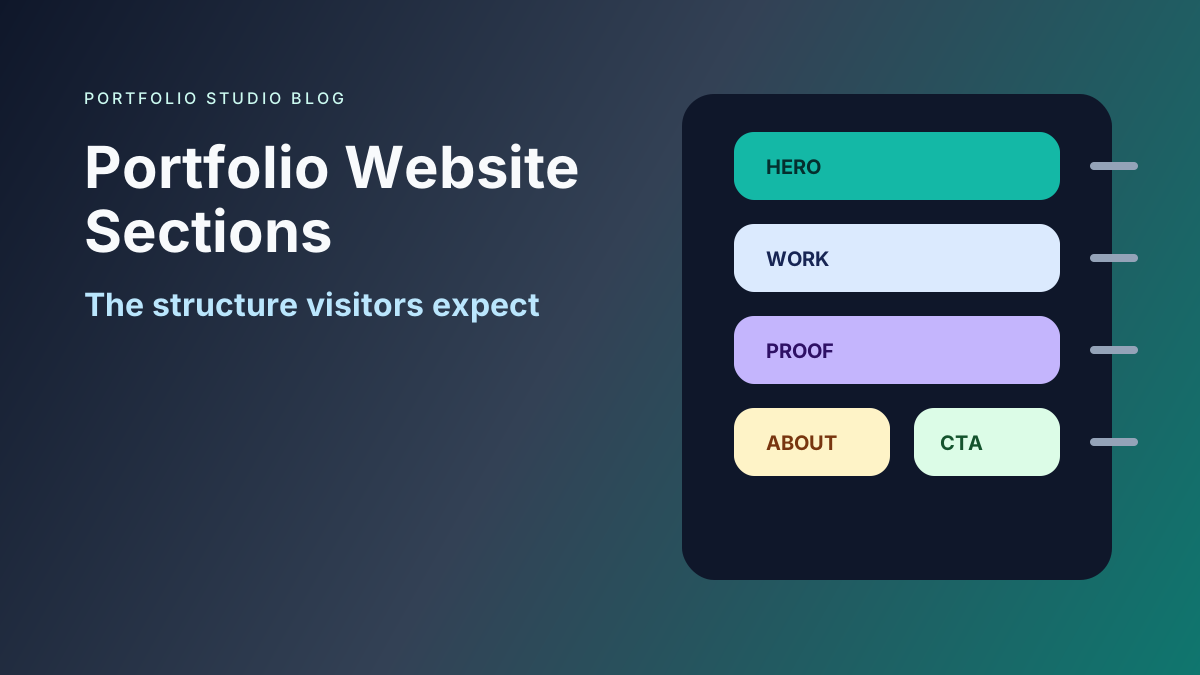
What Sections to Include in Your Portfolio Website
Learn which portfolio website sections matter most, how to order them, and what to include for job seekers, freelancers, students, and professionals.