
How to Build a Developer Portfolio Website in 2026
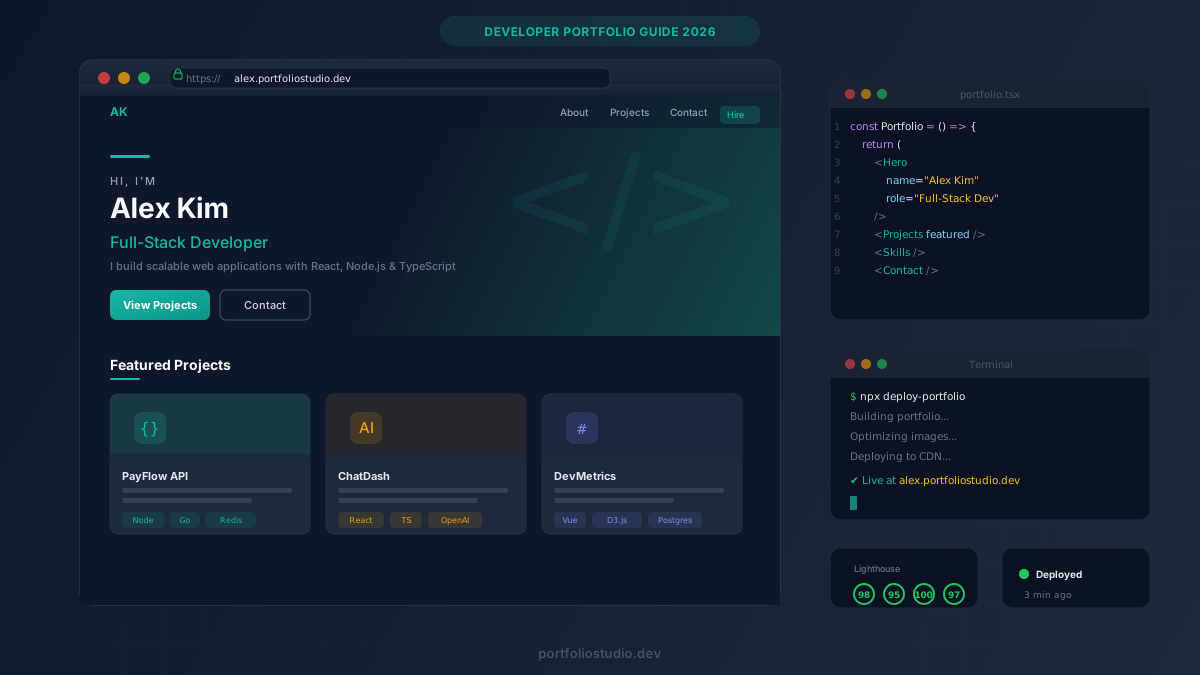
Key Takeaways
- A developer portfolio website is your most powerful job-hunting asset in 2026 — more effective than a resume alone
- Focus on 3–5 strong projects rather than listing everything you’ve ever built
- Every portfolio needs these core sections: Hero, About, Projects, Skills, and Contact
- AI tools like Portfolio Studio can generate a professional portfolio in minutes, letting you focus on content rather than design
Why Every Developer Needs a Portfolio Website
In 2026, over 72% of hiring managers say they evaluate candidates primarily through their personal websites. A LinkedIn profile tells recruiters what you’ve done. A developer portfolio website shows them how you think.
Your developer portfolio website is where you control the narrative. It’s not constrained by a resume’s one-page format or LinkedIn’s rigid template. You can showcase live projects, embed code samples, and demonstrate the problem-solving skills that make you stand out.
Whether you’re a junior developer looking for your first role or a senior engineer exploring new opportunities, a well-crafted portfolio website is the difference between getting interviews and getting ghosted.
What to Include in Your Developer Portfolio
1. A Strong Hero Section
Your hero section is the first thing visitors see. It should answer three questions in under 5 seconds:
- Who are you? (e.g., “Full-Stack Developer”)
- What do you specialize in? (e.g., “Building scalable web applications with React and Node.js”)
- What should they do next? (e.g., “View my work” or “Get in touch”)
Keep it clean and scannable. Recruiters spend an average of 6 seconds on an initial portfolio scan.
2. An About Section That Tells Your Story
Don’t just list technologies. Tell the story of why you code. What problems excite you? What’s your approach to building software? This is where personality shines through and helps you connect with potential employers on a human level.
3. Projects That Prove Your Skills
This is the most critical section. For each project, include:
- The problem it solves (not just what it does)
- Your role and specific contributions
- Technologies used with brief explanations of why you chose them
- A live demo link (if possible) and source code
- Results or impact — metrics, user counts, or performance improvements
Pro tip: Quality beats quantity. Three well-documented projects with live demos are worth more than ten GitHub repos with no README.
4. A Skills Section
List your technical skills, but organize them meaningfully:
- Languages: JavaScript, TypeScript, Python
- Frameworks: React, Next.js, Vue, Node.js
- Tools: Git, Docker, AWS, CI/CD
- Soft skills: Technical writing, mentoring, agile methodologies
Avoid rating your skills with progress bars — they’re subjective and can backfire. Simply listing them with context (e.g., “3 years of production React experience”) is more credible.
5. Contact Information
Make it effortless to reach you. Include:
- A contact form or email link
- Links to GitHub, LinkedIn, and Twitter/X
- Your location or timezone (important for remote roles)
How to Build Your Portfolio: Three Approaches
Option 1: Build From Scratch
If you want to showcase your front-end skills, building your portfolio from scratch with React, Vue, or plain HTML/CSS is a valid approach. The portfolio itself becomes a portfolio piece.
Pros: Full creative control, demonstrates technical skill Cons: Time-consuming (20–40+ hours), easy to over-engineer
Option 2: Use a Template
Platforms like GitHub Pages, Vercel, or Netlify let you deploy template-based portfolios quickly. Find a clean template, customize it, and ship.
Pros: Faster than building from scratch (2–5 hours) Cons: Risk of looking generic, still requires design decisions
Option 3: Use an AI Portfolio Builder
Modern AI tools can generate a complete, professional developer portfolio website in minutes. You describe your role, paste your experience, and the AI handles the design, copywriting, and deployment.
Portfolio Studio takes this approach — you describe your work in plain language, choose a theme, and deploy to a custom subdomain with one click. It’s the fastest path from “I need a portfolio” to “here’s my URL.”
Pros: Launch in minutes, professional design, no coding required Cons: Less custom than hand-built (though AI iteration helps)
Design Tips That Actually Matter
Keep It Minimal
The best developer portfolios share a common trait: restraint. White space, clear typography, and a limited color palette signal professionalism. Flashy animations and complex layouts often distract from your work.
Make It Fast
Performance is a skill signal. If your portfolio takes 4 seconds to load, recruiters will bounce — and it subtly tells them you don’t care about performance. Aim for:
- Largest Contentful Paint (LCP): Under 2.5 seconds
- First Input Delay (FID): Under 100ms
- Cumulative Layout Shift (CLS): Under 0.1
Make It Responsive
Over 60% of portfolio views come from mobile devices. Test your portfolio on multiple screen sizes. If a recruiter opens your link on their phone during a commute and the layout breaks, you’ve lost them.
Make It Accessible
Accessibility isn’t optional — it’s a quality signal. Use semantic HTML, proper heading hierarchy, alt text for images, and sufficient color contrast. It demonstrates that you build for all users.
SEO: Make Your Portfolio Discoverable
A beautiful portfolio is useless if no one can find it. Basic SEO ensures your name and skills appear in search results:
- Use a custom domain or professional subdomain (e.g.,
yourname.portfoliostudio.dev) - Write a clear meta description with your name and specialty
- Use heading tags properly (one H1, structured H2s and H3s)
- Add alt text to all images
- Submit your sitemap to Google Search Console
Common Mistakes to Avoid
- Too many projects: Curate ruthlessly. 3–5 strong projects > 15 mediocre ones
- No live demos: Screenshots aren’t enough. Deploy your projects so people can interact with them
- Outdated content: A portfolio from 2022 signals you’ve stopped growing. Keep it current
- Missing contact info: If a recruiter can’t reach you in 10 seconds, they’ll move on
- Ignoring mobile: Always test on real devices, not just browser dev tools
Ship It Today
The biggest mistake developers make? Waiting for their portfolio to be “perfect.” Ship a version today, iterate tomorrow. A live portfolio with room to improve is infinitely more valuable than a perfect portfolio that never launches.
If you want to go from zero to deployed in under 10 minutes, try Portfolio Studio free. Describe your experience, pick a theme, and deploy — no design skills required.
Your next opportunity is one portfolio away.
Ready to build your portfolio?
Create a professional portfolio website in minutes with AI. No coding required.
Try Portfolio Studio FreeRelated Articles
Portfolio Website for Job Seekers: What to Include to Get Interviews
Learn what a portfolio website for job seekers should include, from projects and proof to recruiter-friendly structure, messaging, and SEO.
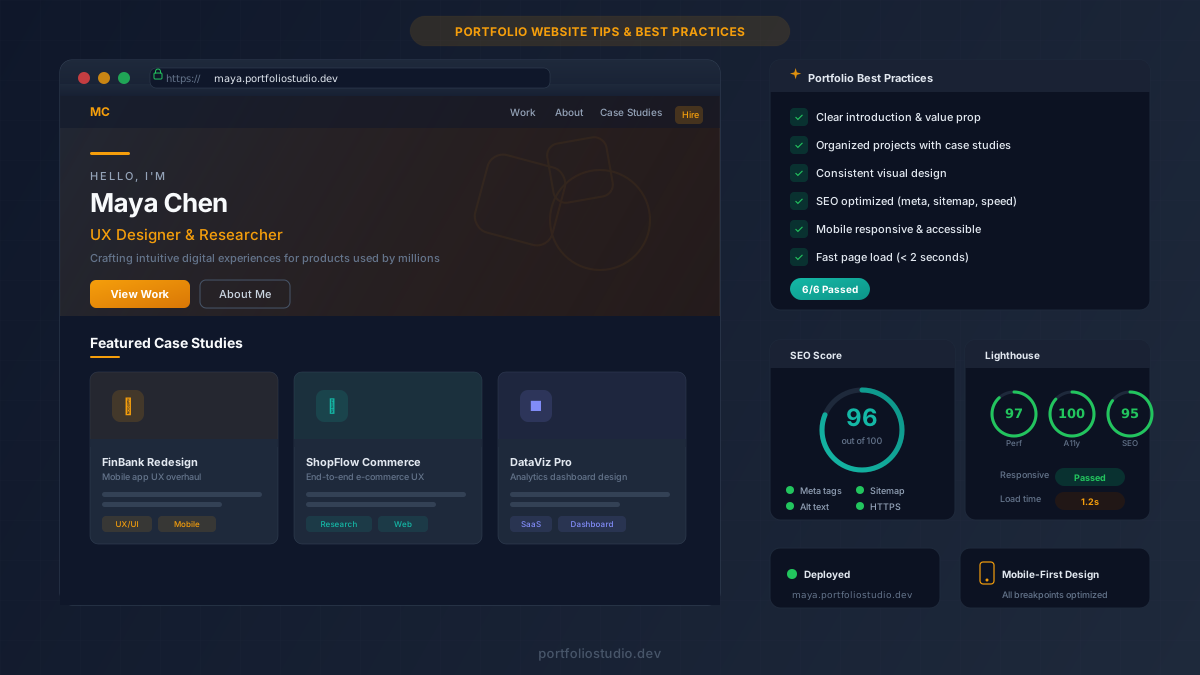
Build an Impressive Portfolio Website: Tips & Best Practices for 2026
Learn how to build a portfolio website that wins clients and lands jobs. Covers design, SEO, case studies, and promotion tips for every career.
Data Science Portfolio Website: Turn Notebooks Into Case Studies
Learn how to build a data science portfolio website that turns notebooks, models, dashboards, and analysis projects into hiring-ready case studies.