
Build an Impressive Portfolio Website: Tips & Best Practices for 2026
Key Takeaways
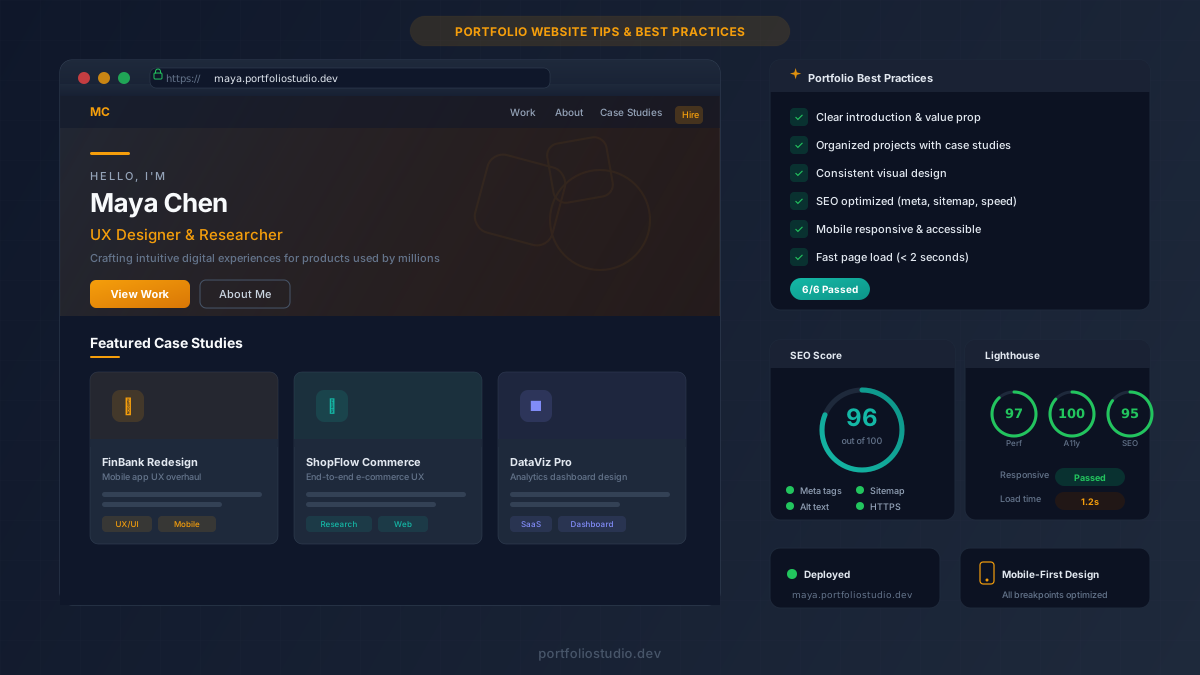
- A portfolio website is your most powerful career asset — it gives you full control over your personal brand and makes you discoverable to clients worldwide
- The best portfolios share three traits: a clear introduction, organized project showcases with case studies, and consistent visual design
- Choosing the right platform matters — but AI-powered tools like Portfolio Studio let you skip the setup and go live in minutes
- SEO, mobile responsiveness, and accessibility are non-negotiable if you want your portfolio to actually be found
- Promoting your portfolio through social media, networking, and email outreach is just as important as building it
Your work speaks for itself — but only if people can actually see it.
In 2026, a polished portfolio website isn’t a nice-to-have. It’s the difference between getting shortlisted and getting overlooked. Whether you’re a designer, developer, photographer, writer, or product manager, your portfolio is how you prove what you can do before anyone picks up the phone.
The problem? Most professionals either don’t have a portfolio or have one that’s outdated, unorganized, or invisible to search engines. This guide covers everything you need to build an impressive portfolio website — from design fundamentals and case studies to SEO and promotion strategies that actually work.
If you’re focused specifically on developer portfolios, check out our guide on how to build a developer portfolio website. For visual inspiration, browse our curated examples of standout portfolios.
Why Every Professional Needs a Portfolio Website
A resume tells people what you’ve done. A portfolio shows them.
According to LinkedIn’s Talent Solutions research, hiring managers spend significantly more time evaluating candidates who provide visual evidence of their work. A well-organized portfolio gives them exactly that — a curated, accessible showcase of your best projects.
But it goes beyond job hunting. A portfolio website gives you complete control over your personal brand. Social media platforms lock you into their templates and algorithms. Your own site lets you design the experience, choose what to highlight, and tell your story on your terms.
Three reasons a portfolio website is non-negotiable:
- Credibility — A professional site signals that you take your craft seriously. First impressions happen in seconds, and a polished portfolio tips the scale in your favor.
- Discoverability — With proper SEO, your portfolio appears when recruiters and clients search for professionals in your field. No portfolio means you’re invisible.
- Control — You own the platform. No algorithm changes, no account suspensions, no design constraints. Your work, your rules.
Key Elements of a Standout Portfolio
Not all portfolios are created equal. The ones that actually convert visitors into clients or interview invitations share a few core elements.
A Clear, Concise Introduction
Your homepage should answer three questions in under five seconds: Who are you? What do you do? Why should I care?
Skip the generic opener. Lead with a specific value proposition:
Bad example:
“Welcome to my website. I am a creative professional with many years of experience.”
Good example:
“Product designer with 7 years of experience building consumer apps used by 2M+ people. Currently leading design at Fintech Co.”
The good example is specific, quantified, and immediately credible. Decision-makers scan portfolios in seconds — give them a reason to keep scrolling.
Organized Projects With Context
Your projects should be easy to find and easy to understand. Group them by type, industry, or skill — whatever makes the most sense for your audience. Each project needs more than a screenshot. Include:
- The objective — What were you hired to do?
- The challenge — What made this project difficult?
- Your solution — What approach did you take and why?
- The outcome — What happened as a result? Quantify whenever possible.
This format turns a gallery into a narrative — and narratives are what hiring managers remember.
Consistent Visual Design
A portfolio that looks different on every page feels unfinished. Maintain consistency across your entire site:
- Color scheme — Stick to 2–3 primary colors
- Typography — One heading font, one body font
- Layout — Same grid and spacing across project pages
- Imagery — High-quality visuals with a consistent style (all photos, all mockups, or all screenshots — don’t mix randomly)
White space is your best friend. A clean, uncluttered layout ensures your work is the focal point, not the design around it.
Choosing the Right Platform
The platform you choose affects how fast you can launch, how much you can customize, and how easily your site gets found.
Here’s a practical comparison:
- WordPress — Maximum flexibility with thousands of plugins and themes. Best for those comfortable with technical setup. Can be slow without careful optimization.
- Squarespace — Beautiful templates with drag-and-drop editing. Ideal if you want something polished without touching code. Less flexible for custom layouts.
- Behance / Dribbble — Great for community exposure and peer feedback. Limited customization, and you don’t own the platform — your content lives on someone else’s domain.
- AI-powered builders — Tools like Portfolio Studio generate a complete, deploy-ready portfolio from your resume or project descriptions in minutes. Best for speed without sacrificing quality.
The right choice depends on your goals. If you need to be live today with a professional result, an AI builder gets you there fastest. If you want pixel-perfect control and don’t mind the setup time, WordPress gives you the most flexibility.
Design Best Practices That Actually Matter
Keep It Simple
The most common portfolio mistake is overdesign. Animated backgrounds, parallax effects, and complex navigation schemes pull attention away from the work itself. Every design choice should answer one question: does this help the visitor understand my work better?
If the answer is no, remove it.
Nail the Navigation
Visitors should find any project within two clicks. A well-structured menu with clear labels — Work, About, Contact — beats creative-but-confusing navigation every time. For larger portfolios, add search or category filtering.
Here’s what to aim for:
- Top-level pages: 4–5 maximum (Home, Work, About, Blog, Contact)
- Project access: One click from the homepage to any project
- Mobile navigation: Hamburger menu with the same clear labels
Stay Consistent Across Devices
Over 60% of web traffic comes from mobile devices. If your portfolio breaks on a phone, you’ve lost more than half your potential audience before they’ve seen a single project. Test on multiple screen sizes — don’t just trust the desktop preview.
Write Case Studies That Win Clients
A screenshot gallery shows what you built. A case study shows how you think.
The best case studies follow a simple structure:
- Introduction — The project, your role, and the core objective
- Discovery — What research or analysis you did upfront
- Process — Key decisions, iterations, and tradeoffs (include sketches, wireframes, or prototypes)
- Outcome — Quantifiable results: increased engagement by 40%, reduced bounce rate by 25%, generated $50K in new revenue
Include feedback from clients or stakeholders when possible. Testimonials add credibility and provide social proof that you deliver results — not just deliverables.
The lesson: Clients don’t just hire skills. They hire problem-solvers. Case studies are where you prove you’re both.
Optimize Your Portfolio for SEO
A beautiful portfolio that nobody can find is a wasted opportunity. Search engine optimization ensures your site appears when potential clients search for professionals like you.
Keyword Research
Identify terms your target audience actually uses. A freelance UX designer might target “UX portfolio,” “freelance product designer,” or “hire UX designer.” Use tools like Google Keyword Planner or Ubersuggest to find keywords with decent search volume and low competition.
On-Page SEO Essentials
- Title tags — Keep under 65 characters, include your primary keyword
- Meta descriptions — Concise and compelling, under 155 characters
- Alt text — Describe every image for accessibility and search engines
- Internal linking — Link between projects, blog posts, and your about page
- Heading hierarchy — Use a clear H1 → H2 → H3 structure on every page
Technical SEO
- Page speed — Aim for under 2 seconds. Compress images, minify CSS/JS, and use a CDN.
- Sitemap — Submit an XML sitemap to Google Search Console so every page gets indexed
- Broken links — Audit regularly and fix immediately. Broken links hurt rankings and credibility.
- HTTPS — Non-negotiable. No SSL certificate means no trust from browsers or visitors.
Accessibility Is Not Optional
An accessible portfolio isn’t just ethical — it’s good business. Following WCAG guidelines ensures your site works for everyone, including the 1 in 6 people worldwide living with a disability.
Key accessibility practices:
- Use semantic HTML with proper heading structure
- Provide alt text for all images
- Ensure color contrast of at least 4.5:1 for body text
- Make all interactive elements keyboard-navigable
- Add ARIA labels where native semantics aren’t enough
Bonus: accessible sites tend to rank better on Google. Search engines value well-structured, semantic HTML — the same markup that powers accessibility powers SEO.
Promote Your Portfolio
Building the portfolio is half the work. Getting the right people to see it is the other half.
Social Media
Share your portfolio and individual projects on LinkedIn, Twitter/X, and Instagram. Don’t just drop a link — provide context. Explain the problem you solved, what you learned, or why you’re proud of the result. Posts with narrative consistently outperform a generic “check out my portfolio” share.
Networking
Attend industry events, join online communities, and participate in forums relevant to your field. When someone asks for recommendations or freelancers, having a polished portfolio ready to share makes you the obvious choice.
Email Outreach
Build a list of potential clients, recruiters, and industry contacts. Send personalized updates when you add major new projects. A direct, relevant email with a link to a specific case study is far more effective than a generic newsletter blast.
Frequently Asked Questions
How many projects should I include in my portfolio? Quality beats quantity. 3–6 of your strongest projects is the sweet spot. Each should include a case study or detailed description. A focused portfolio with context is far more impressive than a gallery of 30 thumbnails with no explanation.
How often should I update my portfolio? At minimum, every time you complete a significant project. Aim to review your portfolio every 3–6 months — remove outdated work, refresh descriptions, and verify all links still work. A stale portfolio signals that you’ve stopped growing.
Do I need a blog on my portfolio website? A blog isn’t required, but it can significantly boost your SEO and establish thought leadership. Even publishing one article per month on topics in your field can drive organic traffic and position you as an expert.
Should I include pricing on my portfolio? It depends on your model. Freelancers who want to filter leads often benefit from listing starting rates. If pricing is project-dependent, a “starting from” range or a “get a quote” CTA works well without scaring off prospects.
What’s the fastest way to build a professional portfolio? AI-powered tools like Portfolio Studio generate a complete, deploy-ready portfolio in minutes. Describe your work, pick a theme, and go live — no design skills or coding required.
Build Your Portfolio Today
You don’t need to be a designer or developer to have a portfolio that makes an impact. You need clear organization, strong case studies, and a platform that doesn’t get in your way.
Ready to start? Try Portfolio Studio free — describe your work, pick a theme, and go live in minutes. Your next opportunity is one click away. →
Ready to build your portfolio?
Create a professional portfolio website in minutes with AI. No coding required.
Try Portfolio Studio FreeRelated Articles
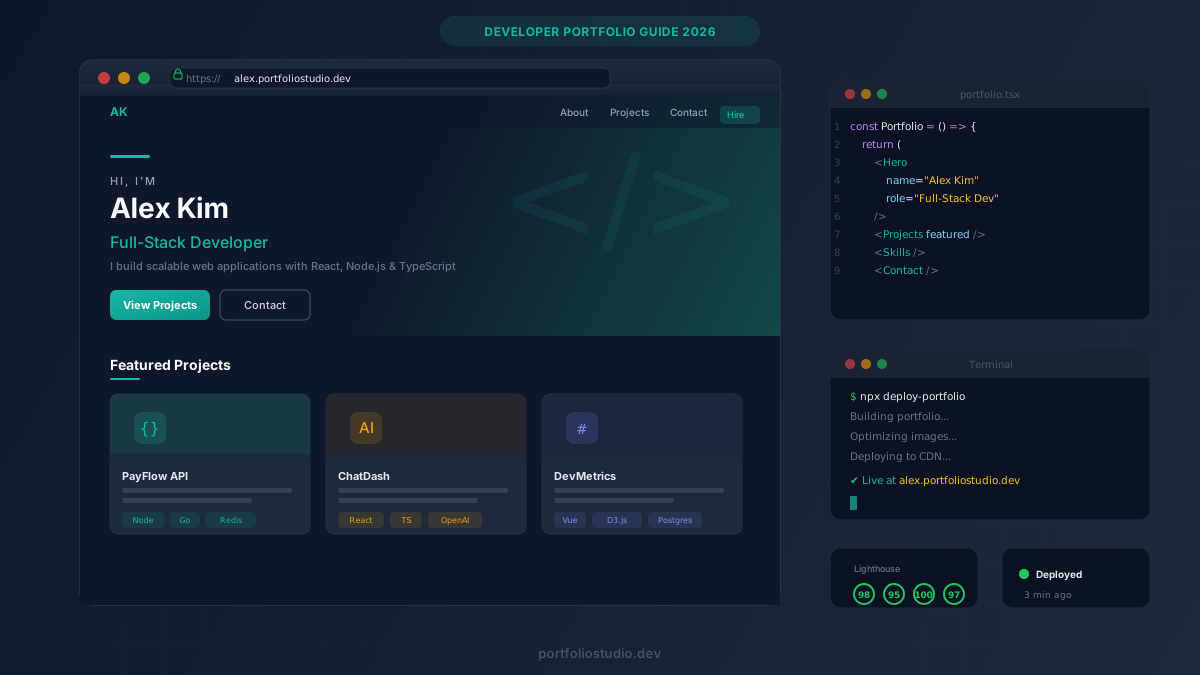
How to Build a Developer Portfolio Website in 2026
Learn how to build a developer portfolio website that gets you hired. Step-by-step guide covering structure, content, design, and deployment.
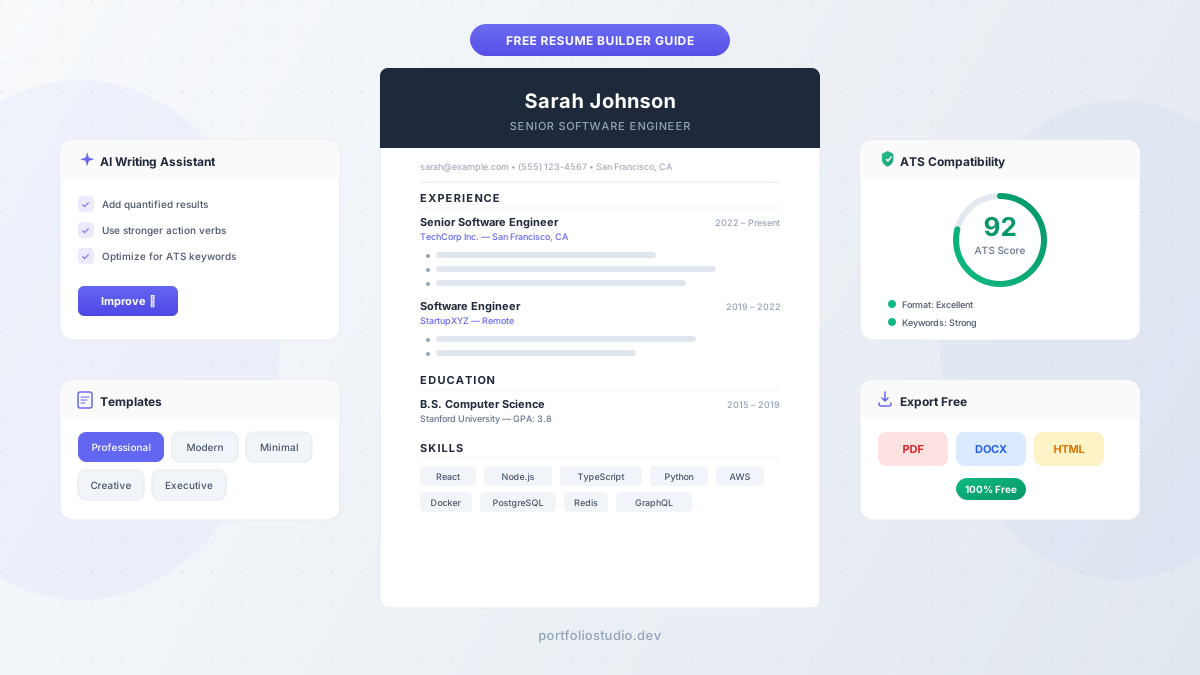
Free Resume Builder: How to Build a Job-Winning Resume for $0 in 2026
Use a free resume builder to create professional, ATS-friendly resumes that land interviews. Step-by-step guide with AI tips, templates, and mistakes to avoid.
10 Best Developer Portfolio Examples That Get Hired
Browse the 10 best developer portfolio examples that get hired in 2026 — with a full breakdown of what makes each portfolio stand out to recruiters.